
Update docs from code changes
Detect when pull requests, commits, or releases change behavior that customers need to understand.
For the complete documentation index, see llms.txt.
All content in our docs is written with the help of Promptless, with oversight and governance from thoughtful humans. See how in our public docs repo.
Promptless is an AI agent built to support technical writers by detecting when docs need to change, gathering context from code and team tools, drafting updates, and opening reviewable suggestions or pull requests.
Use Promptless to keep product docs, internal docs, screenshots, changelogs, and support-driven documentation current as your team ships.
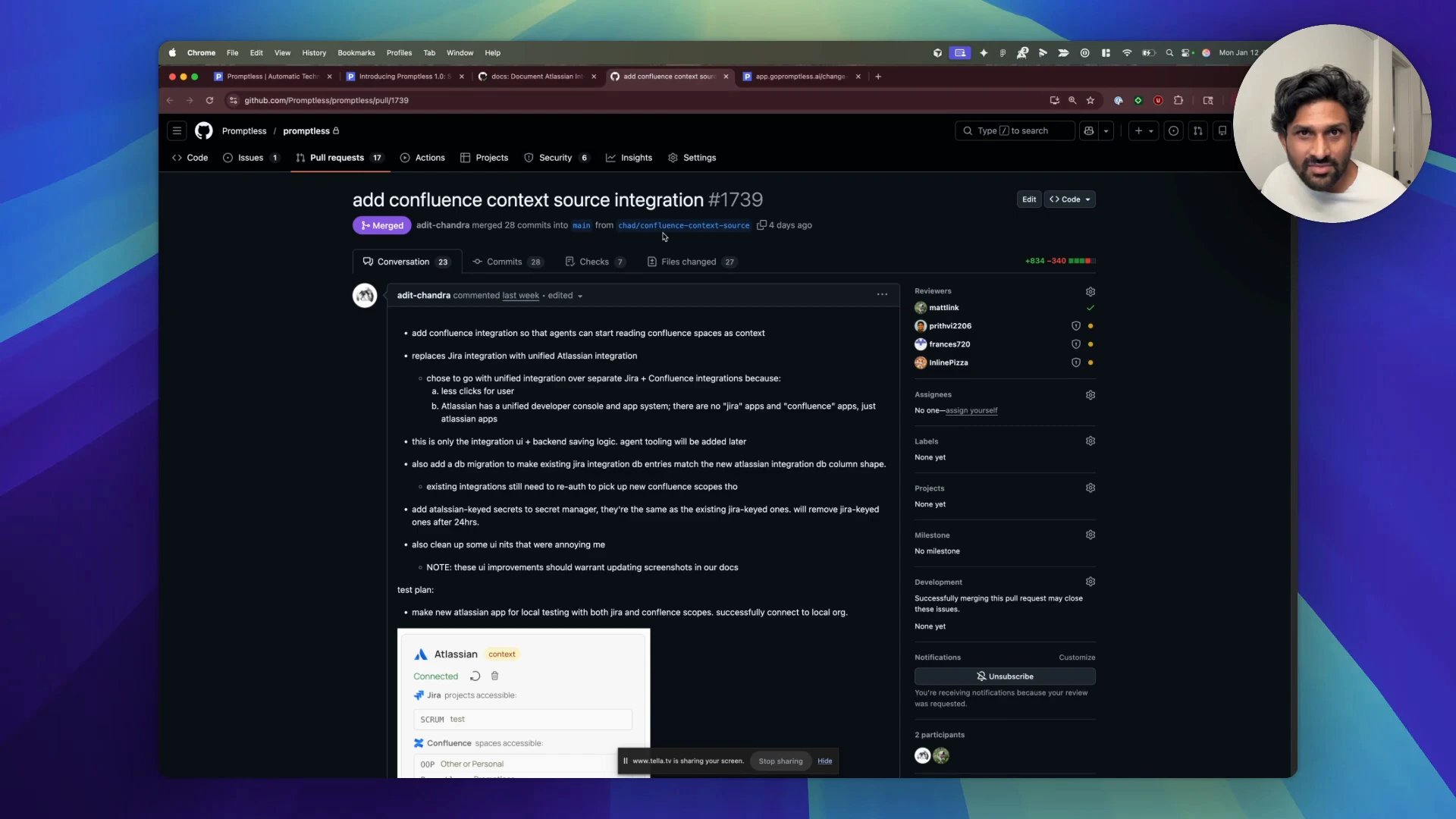
Watch a short walkthrough of Promptless turning a product change into a documentation pull request. The demo shows Promptless finding the relevant docs, using code and project context, drafting an update with citations, and handing the change back to a technical writer for review.
Update docs from code changes
Detect when pull requests, commits, or releases change behavior that customers need to understand.
Create new docs from context
Draft new pages, guides, API references, changelog entries, and release notes from the context your team already has.
Update docs from tickets and conversations
Turn repeated customer questions, support tickets, Slack threads, and project tickets into documentation updates.
Create and maintain screenshots
Ask Promptless to capture new product screenshots or regenerate stale images when your UI changes.
Review and improve suggestions
Check the sources Promptless used, request edits, and teach Promptless your preferred structure and style.
Publish through your docs workflow
Open documentation pull requests for docs-as-code platforms like Mintlify, Fern, ReadMe, Docusaurus, and more.
Promptless fits into the tools your team already uses. A typical documentation update follows this flow:

A trigger starts the workflow. A pull request, commit, Slack message, Teams message, Intercom ticket, or API event tells Promptless to investigate whether docs need to change.
Promptless gathers context. Promptless reads the relevant code, existing docs, tickets, conversations, and configured context sources.
Promptless drafts a suggestion. Promptless decides which pages are affected, writes the proposed update, and explains the sources behind the change.
Your team reviews the update. Review the suggestion in Promptless, comment in GitHub, or ask for follow-up edits in Slack or Microsoft Teams.
Promptless publishes through your docs workflow. When the update is ready, Promptless opens or updates a documentation pull request for your normal review and merge process.
Want to see Promptless in action? Book a demo.