
Using the Web Interface
Suggestions list
Section titled “Suggestions list”The suggestions list shows all documentation suggestions awaiting your review. Each suggestion card includes chips that help you identify key details at a glance:
- Docs target: A chip with a document icon shows which doc collection the suggestion targets. Hover over the chip to see the full repository path—especially useful if your organization has multiple doc collections.
- Archiving soon: Suggestions approaching auto-archive display an orange chip. Hover over it for details about auto-archive behavior. Viewing or editing a suggestion resets the timer.
Suggestions are automatically archived after 30 days by default. Organizations with longer review cycles can request an extended archiving window—contact help@gopromptless.ai to adjust this for your team. If a suggestion does get auto-archived before you can review it, we can also restore it for you.
Suggestion overview
Section titled “Suggestion overview”Each suggestion includes a title and description that explains what changes are being made and why.
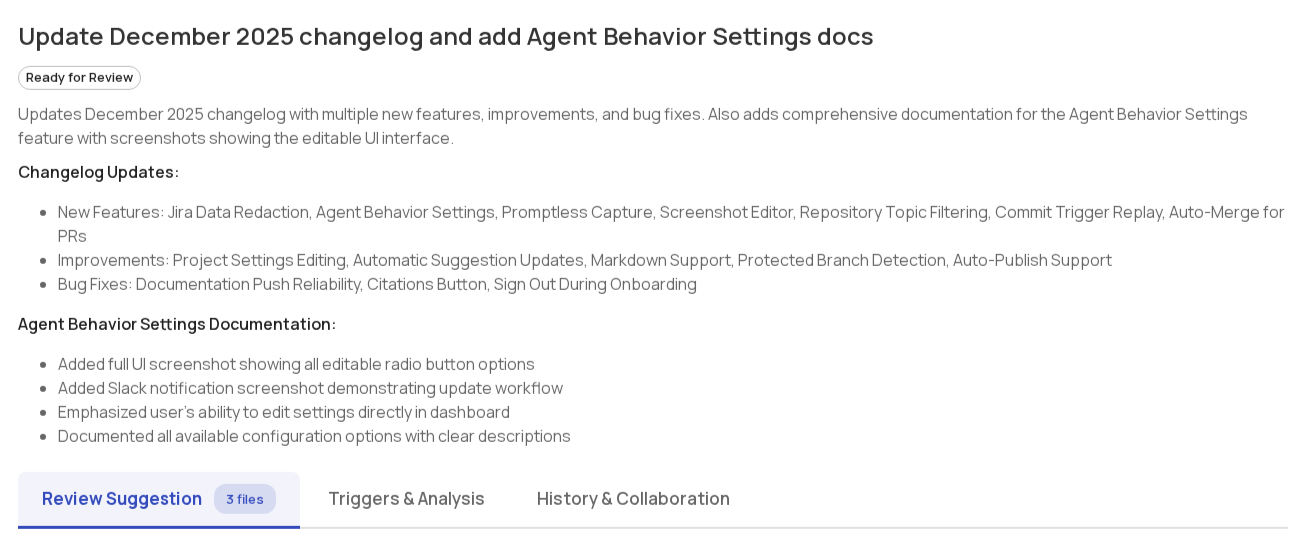
Markdown preview
Section titled “Markdown preview”Preview how Markdown and MDX files will render before publishing. Click Preview Markdown on any .md, .mdx, or .markdown file to open a preview modal with diff highlighting—added content appears with a green background and left rail, removed content shows red. This helps you review formatting, headings, lists, tables, and code blocks in context without switching between raw diff and published views.
Providing feedback
Section titled “Providing feedback”Promptless offers several ways to provide feedback on suggestions. Learn about all available feedback methods in the Providing Feedback guide.
Bulk opening pull requests
Section titled “Bulk opening pull requests”When you have multiple suggestions ready to publish, you can open PRs for all of them at once.
- Click Select in the suggestions list toolbar to enter select mode.
- Check the suggestions you want to include. Use Select all matching to select all suggestions that match your current filters.
- Click Open N PRs in the floating action bar at the bottom of the screen.
- Review the confirmation dialog—it shows how many PRs will be opened and how many will be skipped.
- Click Confirm to start opening PRs. A progress banner tracks each suggestion as it completes.
Suggestions that will be skipped:
- Suggestions that already have an open or draft PR
- Suggestions with no content (no files changed)
- Closed suggestions
If any requests fail, use Retry failed to retry them. Press Esc at any time to exit select mode.
Deep Analysis
Section titled “Deep Analysis”Deep Analysis handles large, complex documentation requests that may take several hours to complete and produce multiple suggestions. To enable it, check Deep Analysis when creating a New Task. The form expands to show templates for common request shapes like refactoring a section of docs, auditing for consistency, or writing docs from scratch.
For details on when to use Deep Analysis and how to submit requests, see the Deep Analysis guide.
Triggers page
Section titled “Triggers page”The Triggers page shows all events that triggered Promptless over the last 30 days. Each entry displays:
- Trigger source: The event that fired (like a GitHub PR or Slack message)
- Status: Processing state (completed, in progress, or error)
- Suggestions created: Whether documentation updates resulted from this trigger
- Timestamp: When the trigger occurred
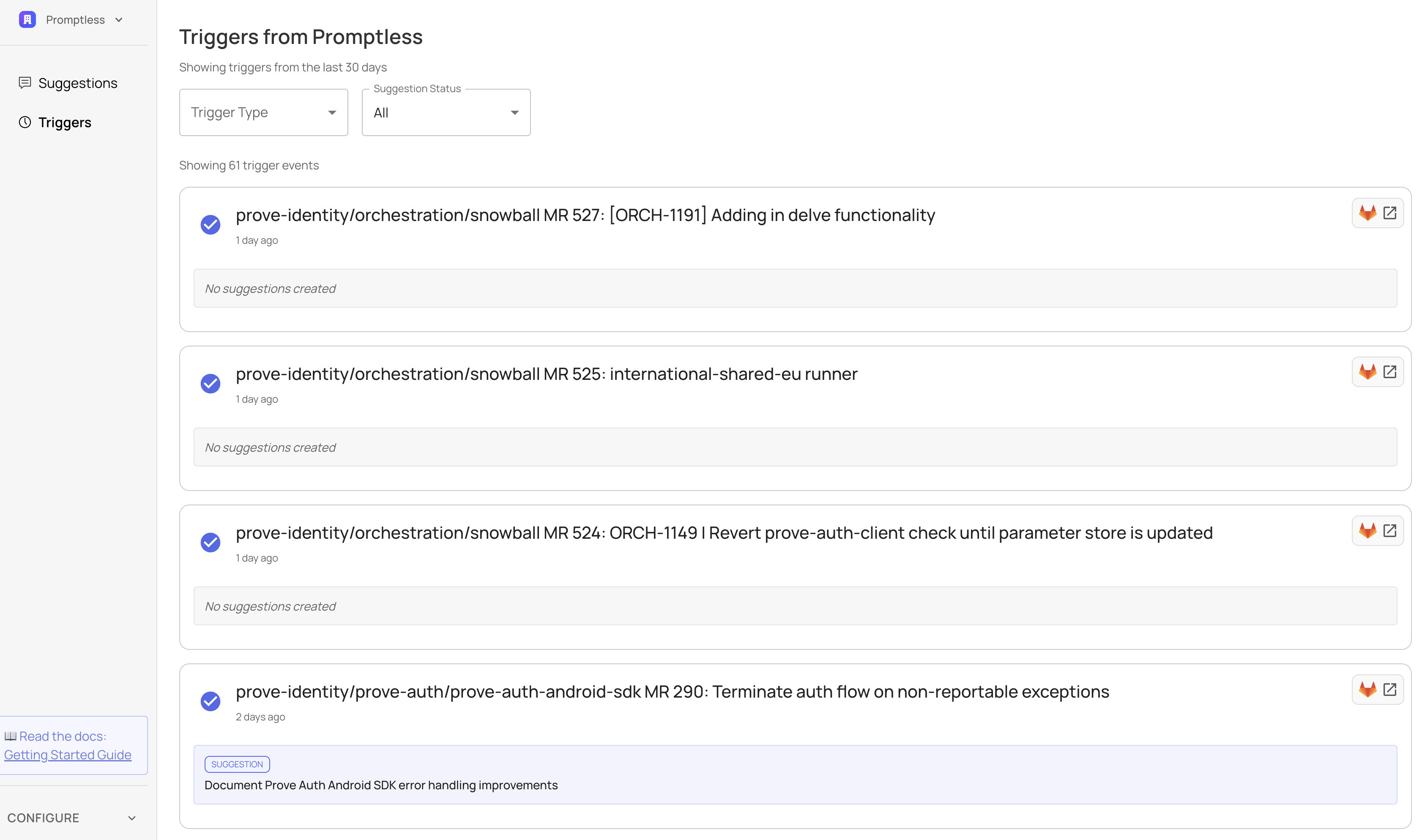
Use the search box to find triggers by PR info, Slack thread topic, task name, or other summary text—including events older than 30 days. Use the filters to narrow down by trigger type or suggestion status. Click any trigger to see full details, including what research Promptless did and why it created (or skipped) documentation updates.
Need help with the web interface? Contact us at help@gopromptless.ai.